

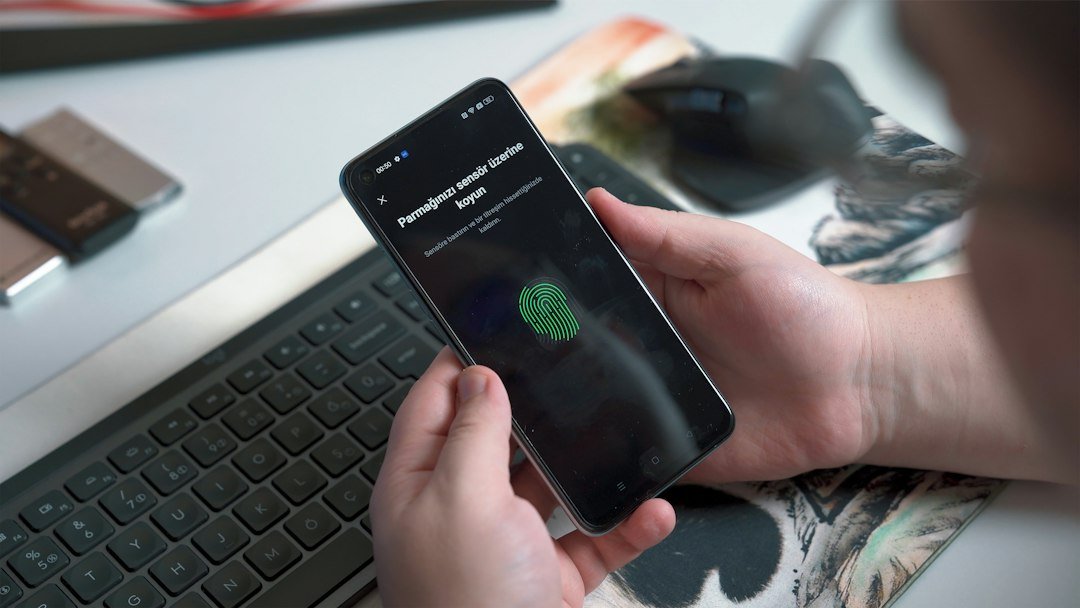
Online scams keep changing, and AI now helps scammers write messages that look professional. Anyone can be targeted: students, job seekers, business owners and parents. Learning the warning signs is the best defence.
8 warning signs
- You are asked for an OTP or PIN. Banks, wallets and companies never need your OTP from you.
- You must pay to get a job. Real employers do not ask for registration, training or security fees before hiring.
- The offer is too good to be true. Huge income for very little work is a red flag.
- There is extreme urgency. Messages like “act in 10 minutes or lose your account” are meant to stop you from thinking.
- The link looks strange. Check spelling in the web address, and do not log in through links sent by unknown people.
- The sender wants to move to private chat quickly, especially on messaging apps, with no company email or official page.
- A voice or video call seems real but feels odd. AI can imitate voices and faces. Verify through another channel before sending money.
- You are told to keep it secret. Scammers do not want you to ask family or friends.
What to do before you trust an offer
- Search the company name and check its official website and social pages.
- Contact the company using details you found yourself, not the details in the message.
- Ask a trusted person or teacher for a second opinion.
- Never send money, cards or ID documents to someone you have not verified.
Protect your accounts
- Use different strong passwords and a password manager.
- Turn on two-factor authentication.
- Keep apps and your phone updated.
- Review which apps and devices are logged in to your accounts.
If you think you were scammed
- Stop contact and do not send more money.
- Call your bank or wallet provider immediately and follow their steps.
- Change your passwords and log out of other devices.
- Report the incident to the proper authorities, such as the FIA cybercrime wing, and keep screenshots as evidence.
Digital safety is a skill
At TechSwift in Karachi, we believe everyone should learn safe and smart computer use. Share this guide with your family and friends to help them stay safe online.